
H&M Transport App
Download the H&M Transport App to quickly and easily schedule and manage transportations from your smartphone.
The H&M Transport App is available on Google Play and the Apple App Store.
Simply download, make an account, and discover how easy scheduling a transportation is!


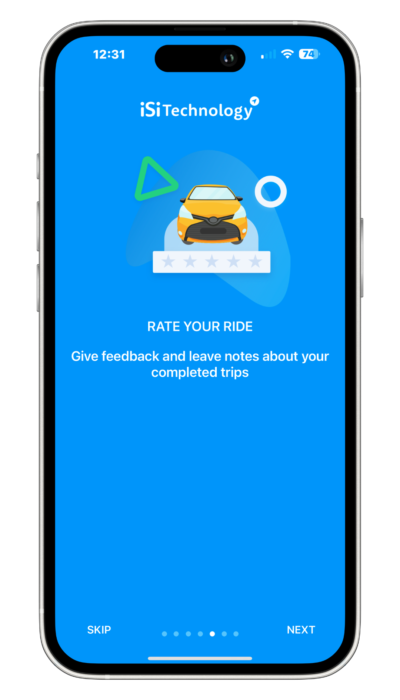
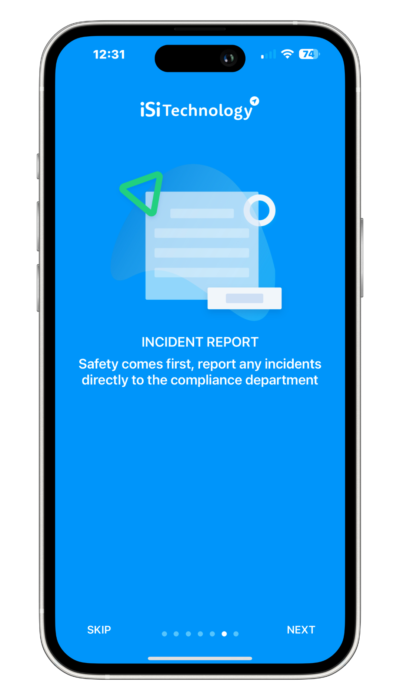
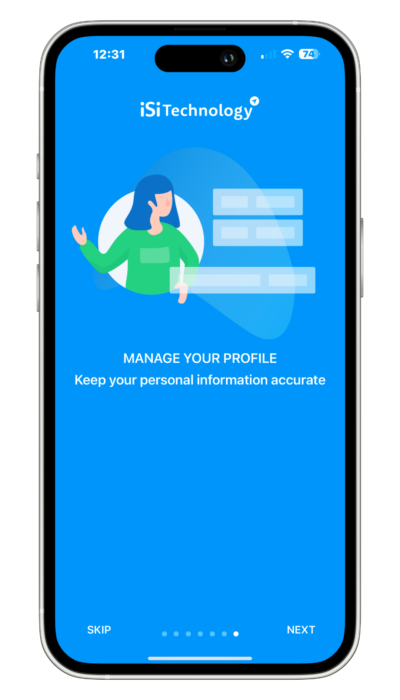
IMPORTANT NOTE!
All new accounts created on the app must be verified by an H&M team member. Please allow us 24-48 hours to verify your account.
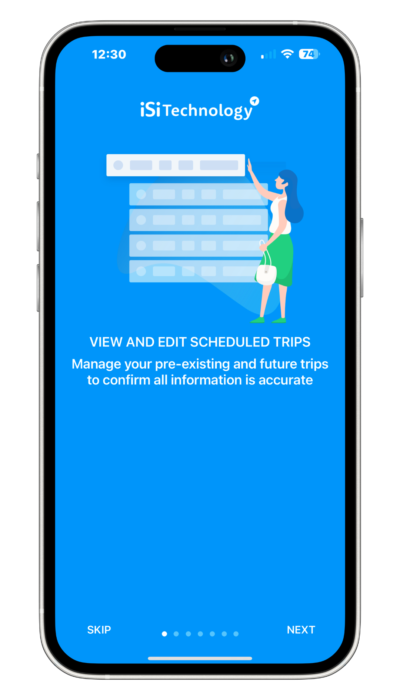
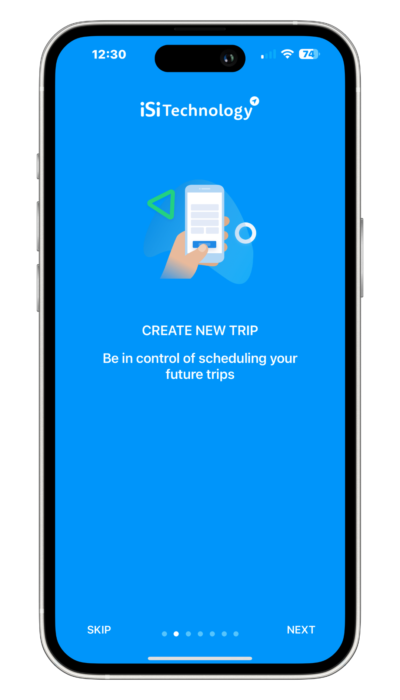
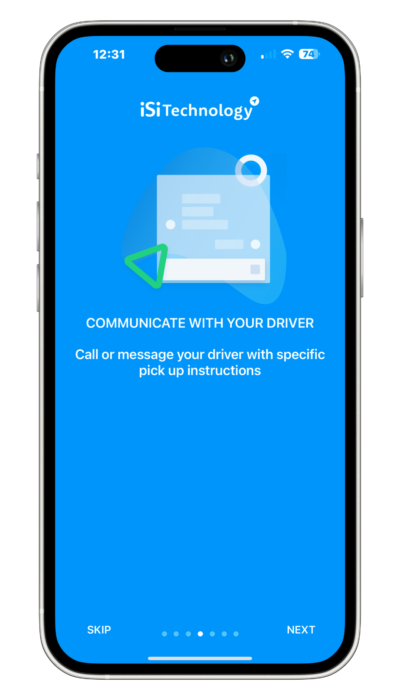
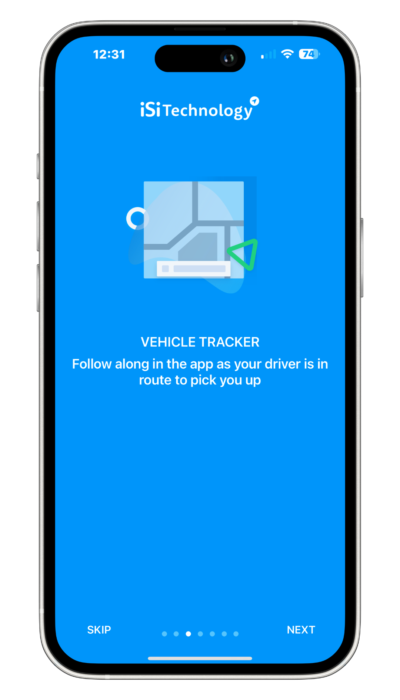
Manage your trips with the H&M Transport App:
- Schedule a transportation
- Track your driver’s location
- Quickly change a scheduled transportation
- Cancel a scheduled trip
- Request specific services (wheelchair, stretcher)
- Adjust your pick-up location
- Pay directly on the app
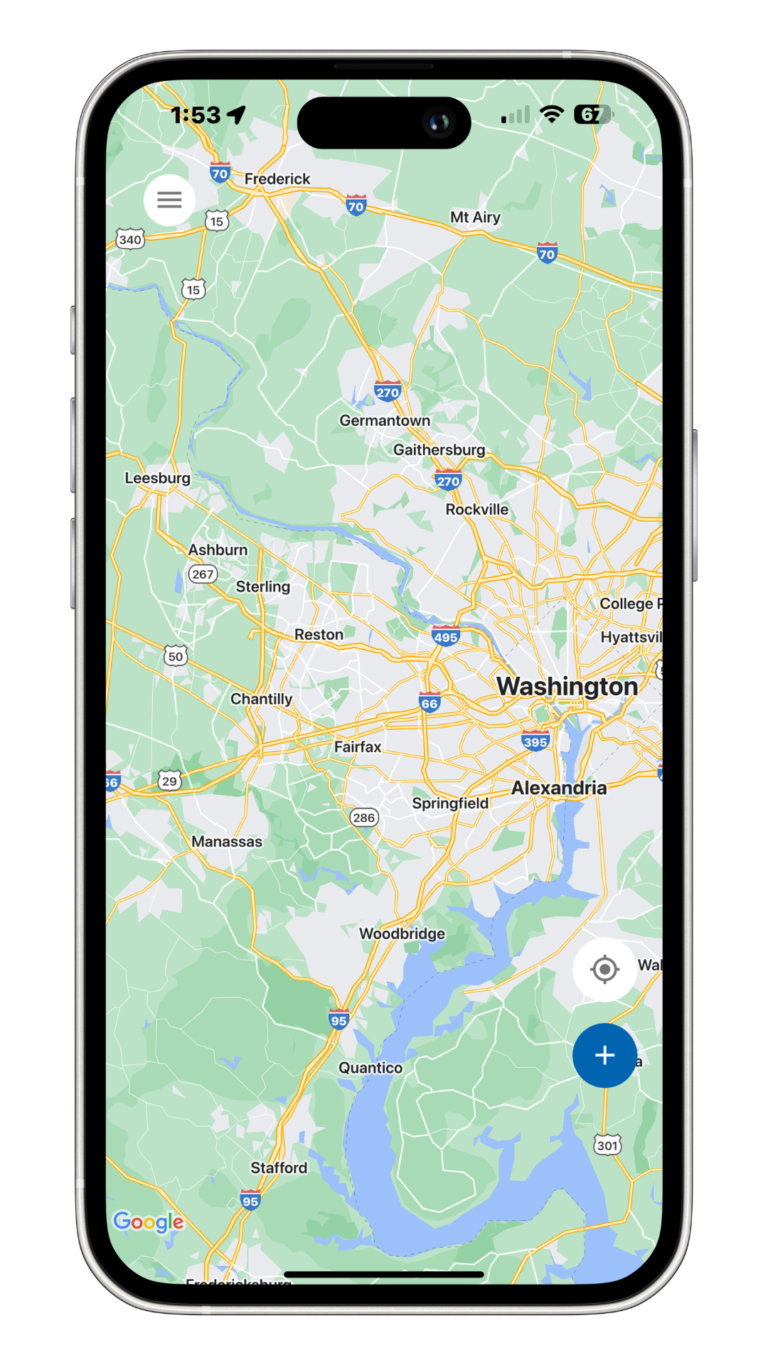
Ready to schedule your next trip?
To download the H&M Transport app:
- Search for “H&M Transport” on Google Play or the Apple App Store, or click on the buttons below.
- Install the app.
- Create an account.
- Schedule your next trip through the app.
If you have any questions about the app, feel free to give us a call and we would be happy to help you!
Setting up your account before you need it
Every new account is verified by a member of our team, and that takes 24 to 48 hours. Set the app up now rather than at 11pm the night before an appointment — download it, create the account, and let the verification run in the background.
Once you are verified you can book, change and cancel trips, watch the driver approach on the day, and pay in the app. If you would rather not use an app at all, nothing changes: call (703) 304-7889 and a dispatcher will do it for you, 24 hours a day.
Common questions about the app
Can I book for someone else?
Yes. Many accounts are run by an adult child or a caregiver on the rider’s behalf.
Can I set up recurring trips in the app?
For a standing schedule — dialysis three days a week, for example — call dispatch. A standing order is set up once and holds the slot, rather than being rebooked every week.
What if I need same-day service?
Call (703) 304-7889. App requests are fine for trips more than a day out; same-day needs a human.
Can I add trip notes in the app?
Yes, and you should. Stairs at the door, a loaner wheelchair, a ride-along family member, the unit number at the clinic — all of it belongs in the notes.
Ready to book a ride?
Request a trip online, or call (703) 304-7889. We dispatch 24 hours a day, seven days a week, holidays included.
BOOK TRANSPORT

